Learn
Video tutorials for self-managing landlords
Watch, step by step, how to run your rentals yourself — listing, leases, rent collection, maintenance, and taxes.
Getting Started

Landlord Tutorials
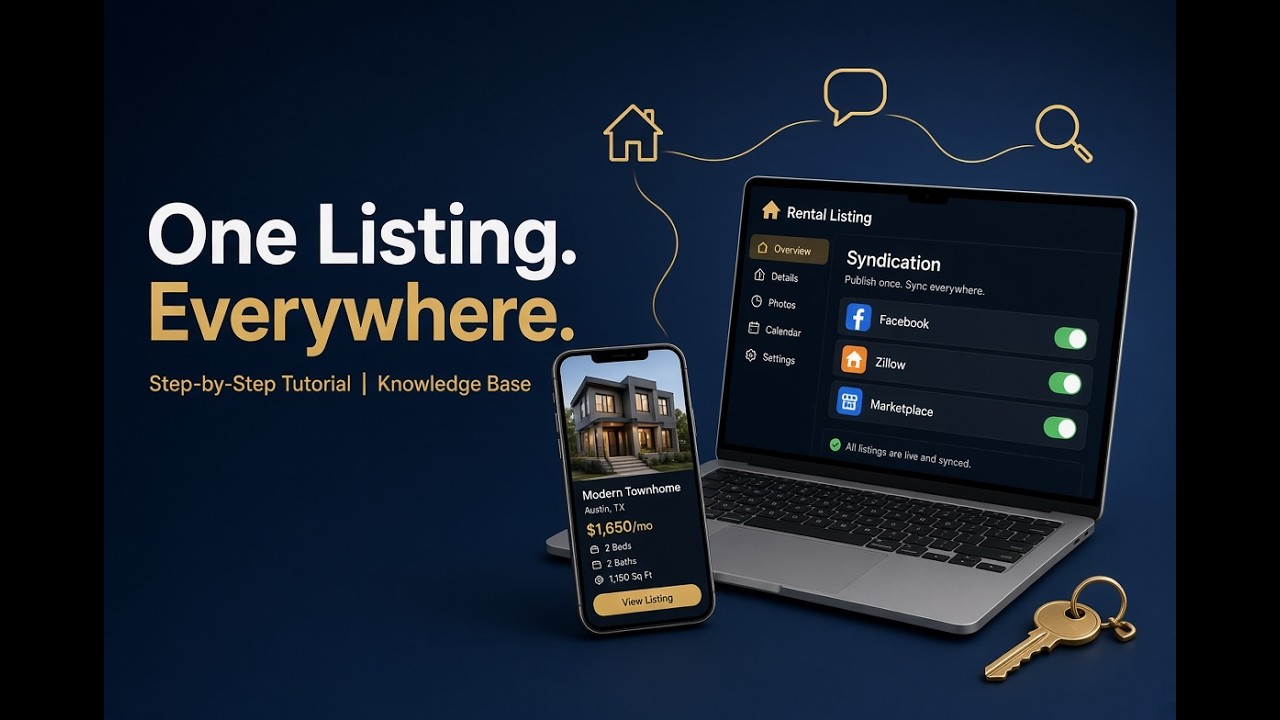
How to Find Tenants Fast: List Once, Syndicate to Zillow & Facebook
How to list your rental once and syndicate it everywhere — Facebook, Zillow, Trulia, and HotPads — then take inquiries and schedule showings from one place.
Watch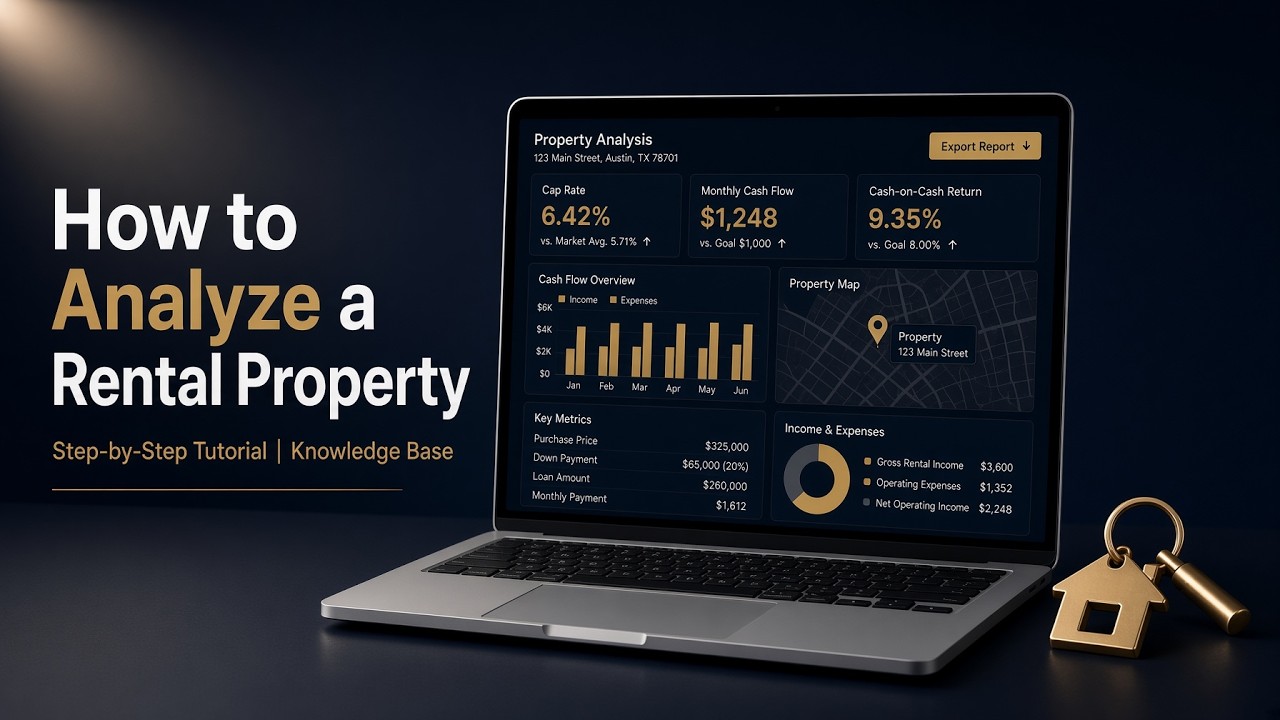
Rental Property Calculator: Analyze Any Deal in 60 Seconds
A step-by-step tutorial on quickly sizing up a rental deal — cash flow, cap rate, and cash-on-cash return — so you can tell a good deal from a bad one in under a minute.
Watch
Create a Residential Lease Agreement in Minutes (AI-Written, E-Signed)
A full walkthrough of generating a lease with AI — or uploading one you've already signed — and getting it into the tenant portal, ready for online rent.
Watch
E-Sign a Lease Without DocuSign — It's Built In
How to send a lease for legally binding e-signature right inside the app — no DocuSign, no separate subscription, no printing or scanning.
Watch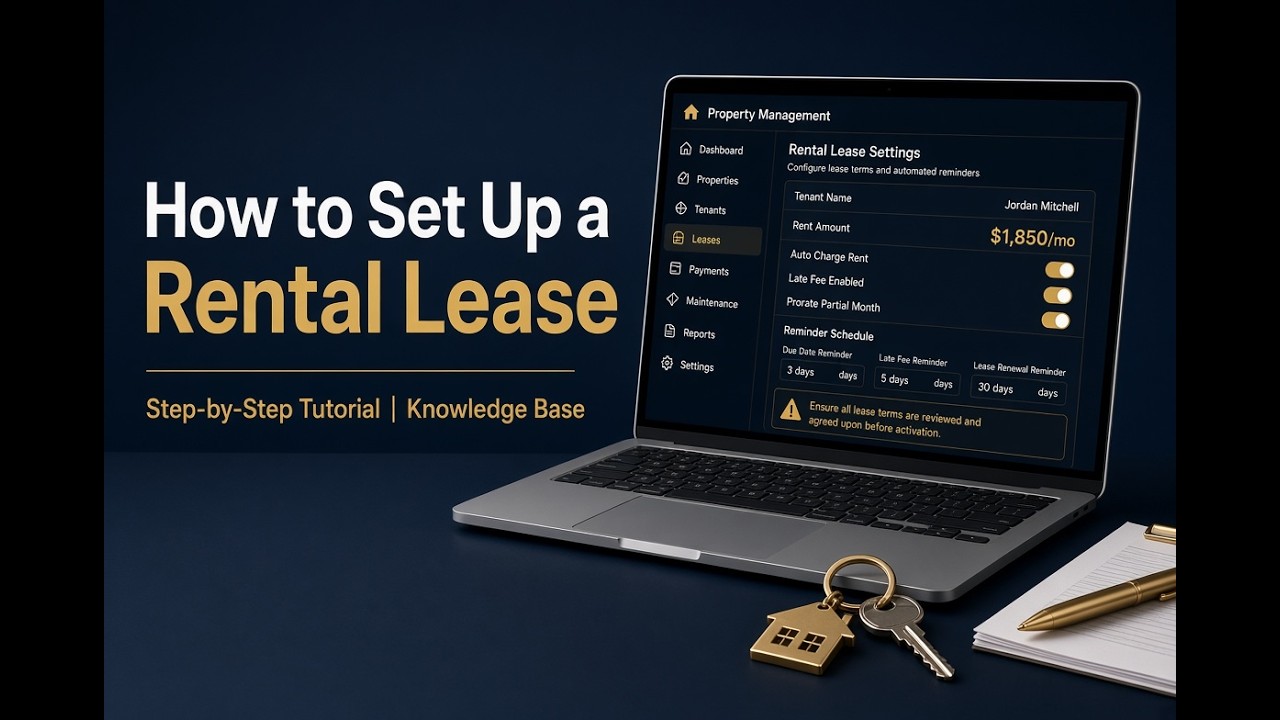
Set Up a Lease with Automated Rent Reminders
A full walkthrough of creating a lease and turning on automated rent reminders and late fees — so rent gets collected on time without you chasing it.
Watch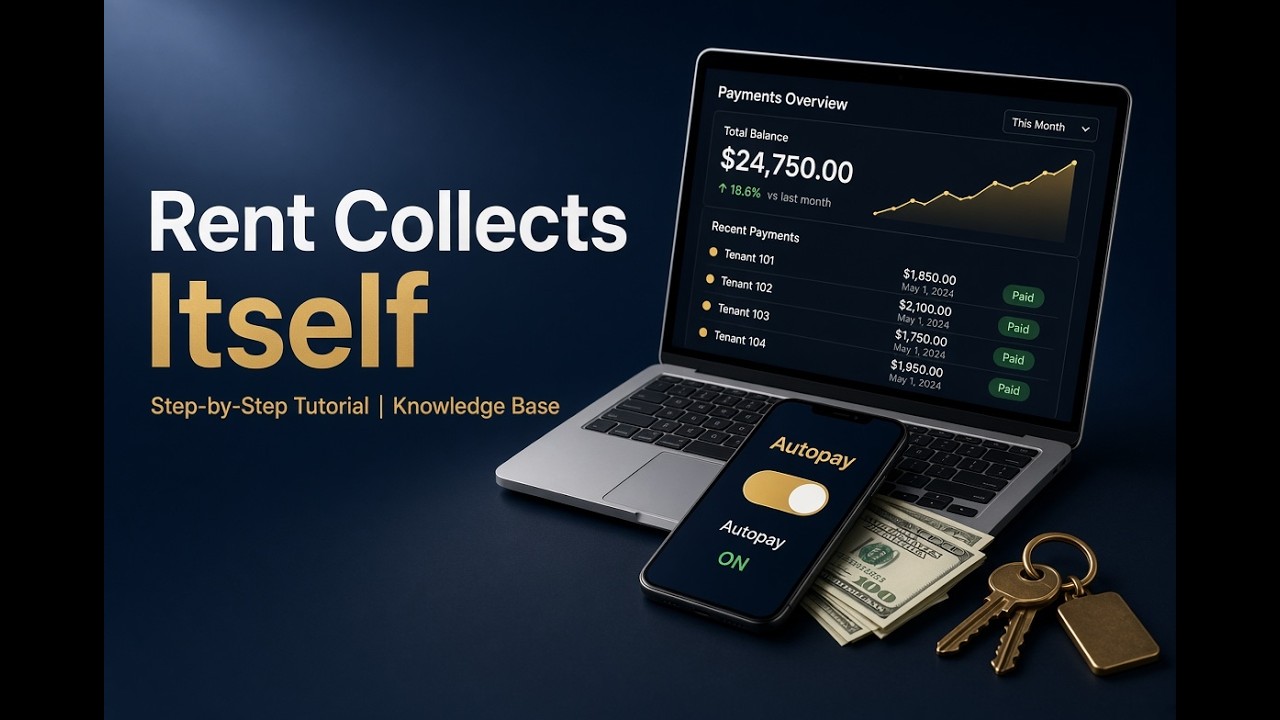
How I Collect Rent Online (No More Chasing Checks)
A walkthrough of collecting rent online — ACH and card payments through the tenant portal, paid out fast and logged to the lease, so you never chase a check again.
Watch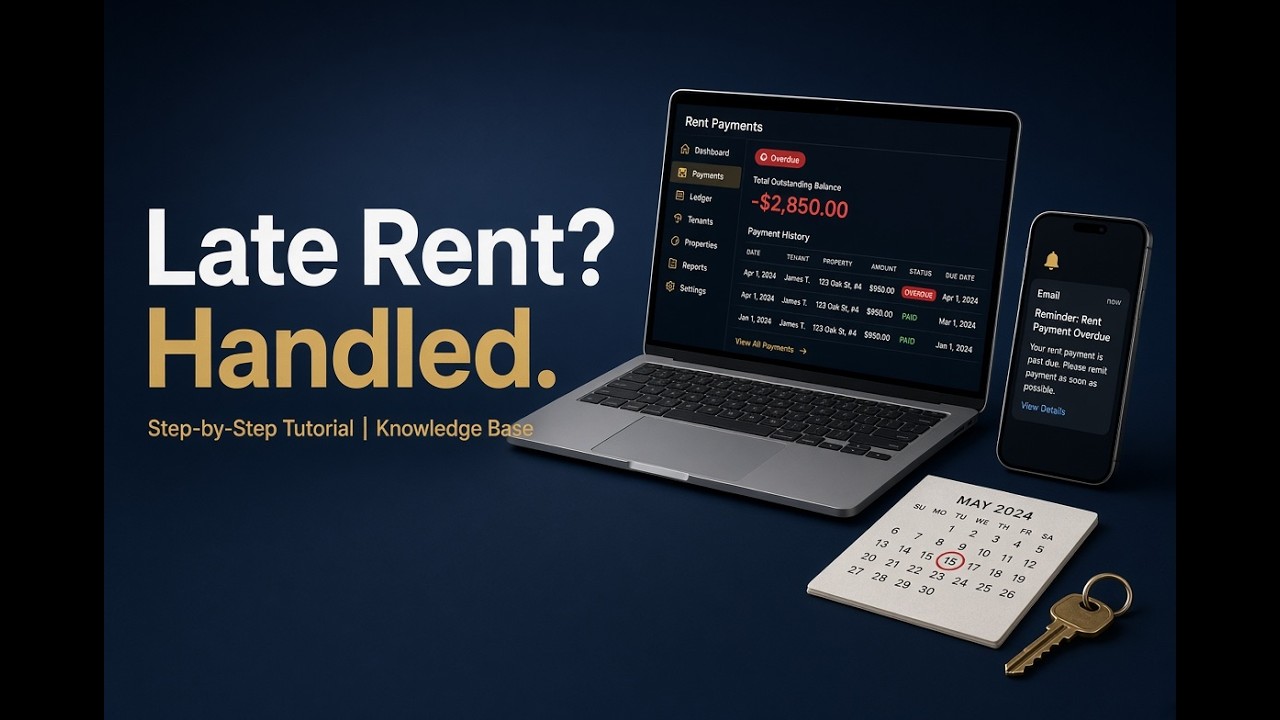
Late Fee for Rent: Automate the Reminder and the Charge (No Awkward Call)
How to automate rent reminders and late fees so rent gets collected on time — the system does the nudging and the enforcement, so you never make an awkward phone call.
Watch
How to Bill Tenants for Utilities (RUBS) Without Overpaying Tax
A walkthrough of passing a shared utility through to your tenants the right way — bill it from the expense so income and the deduction are created together and you never overpay tax.
Watch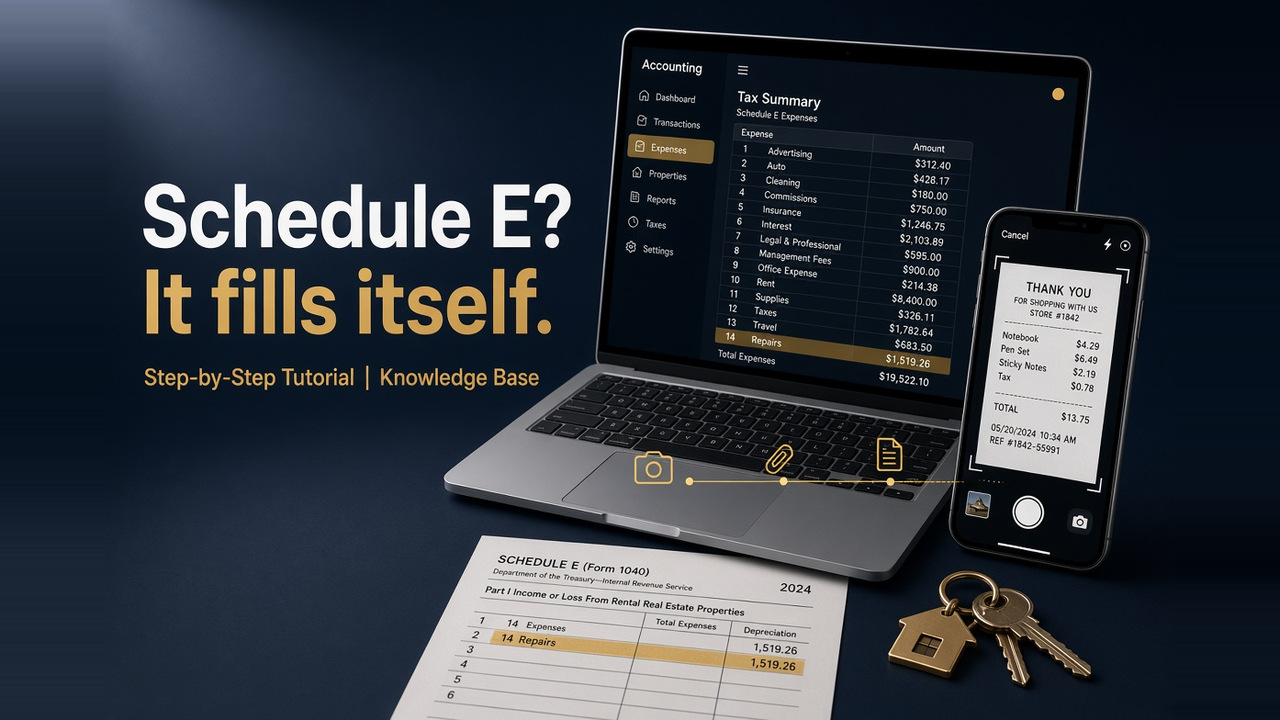
Schedule E for Rental Property: Get Every Expense on the Right Line
How to capture rental receipts as the money goes out — drop the bill in or scan it with your phone — so every expense lands on the right Schedule E line and tax time is already done.
Watch